


.svg.png)


Favicon: A small but significant element of your website
17.12.2025
E-Commerce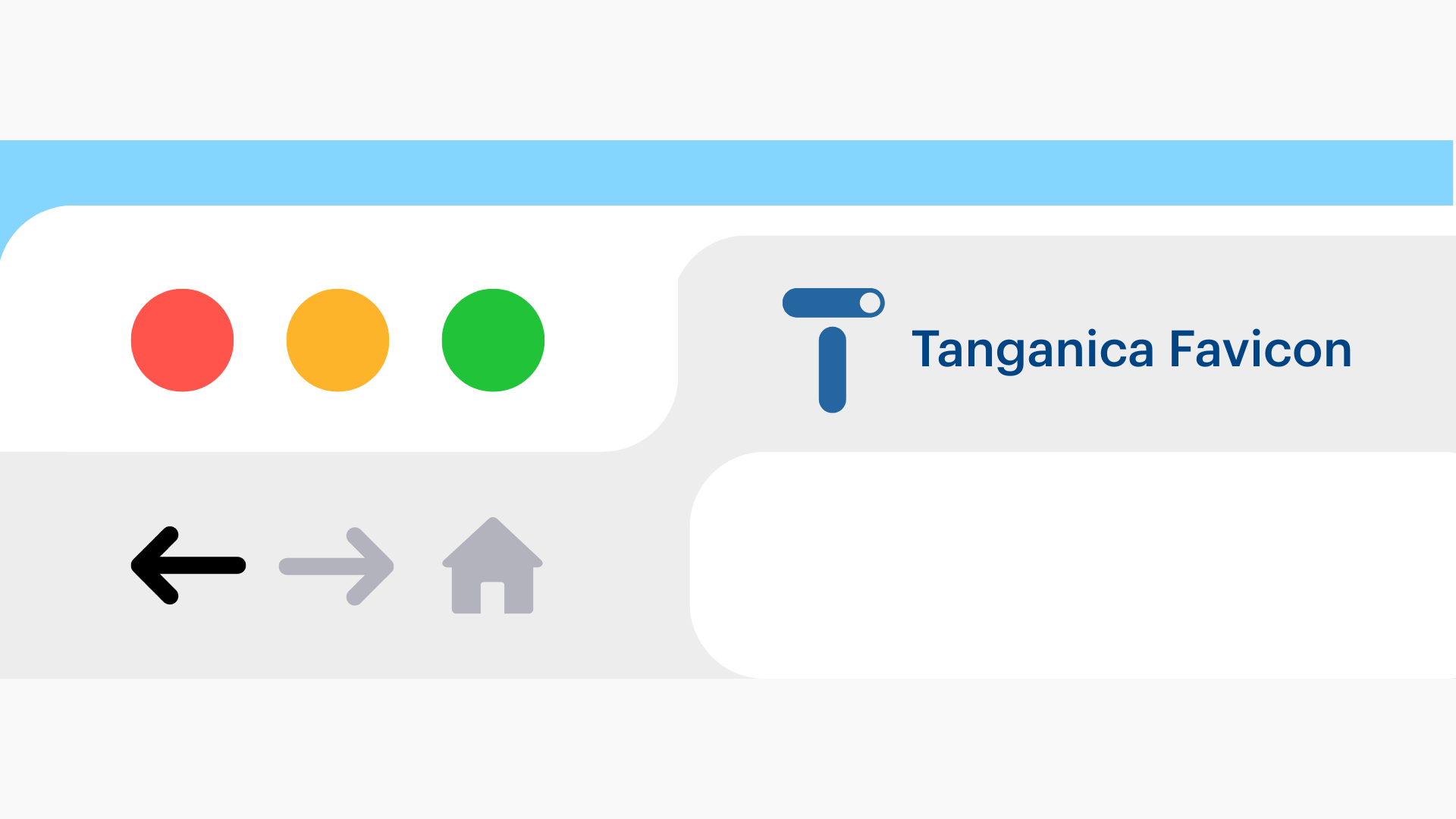
In a digital world where details play a key role, even a seemingly subtle element like a favicon can make a significant impact on the user experience and perception of your brand.
What is a favicon?
A favicon, short for ‘favourite icon’, is a small 16×16 or 32×32 pixel icon that appears in browser bookmarks, next to the page title, in the address bar or in the favourites list. This icon is used to visually identify a website and is often based on a company logo or other distinctive symbol.
Why is a favicon important?
- Reinforcing brand identity: A favicon contributes to a consistent visual style and helps users recognize your site more quickly among other bookmarks.
- Improving user experience: It makes it easier to navigate with multiple tabs open, which improves the experience of browsing the web.
- Professionalism and credibility: The presence of a favicon signals care and attention to detail, which can positively influence the perception of your brand.
How to create a favicon without programming knowledge?
- Icon design: Create a simple and readable design, ideally based on your logo. Remember that the icon will be very small, so choose clear and distinctive elements.
- Using an online favicon generator: There are free online tools, such as Favicon.io, that allow you to easily create a favicon from text, an image or an emoticon.
- Uploading a favicon to the web: Once you have created a favicon, upload it to the root directory of your website.
Conclusion
Although a favicon is a small element, its importance to user experience and branding is significant. Take the time to create and implement it so that your website looks professional and is easily recognizable among others.
